How did I make a CCTV camera for my home monitoring for FREE

Technology has taken a giant leap in last few decades in terms of internet and its usage. The race to become number one in digital technology has brought fantastic things for all of us. Now we are equipped with many peripherals in our day to day life. Be it smartphones, smart watches, VR glasses, internet hotspots etc.
Along with growth in technical side, we have also grown in personal lives too, and we are much worried for security of our belongings. Race to grow has made our life more away from home, more away from our family.
In my work profile I need to travel more frequently, leaving my family at home. In the families with young kids and parents working, sometimes its become difficult to give caring time to kids. I too faced this situation as both of us are working and adjusting time for kids becomes little difficult.
We had to opt for a care taker for our kid for some time. However we needed to monitor the home and the kid while we are away from home.
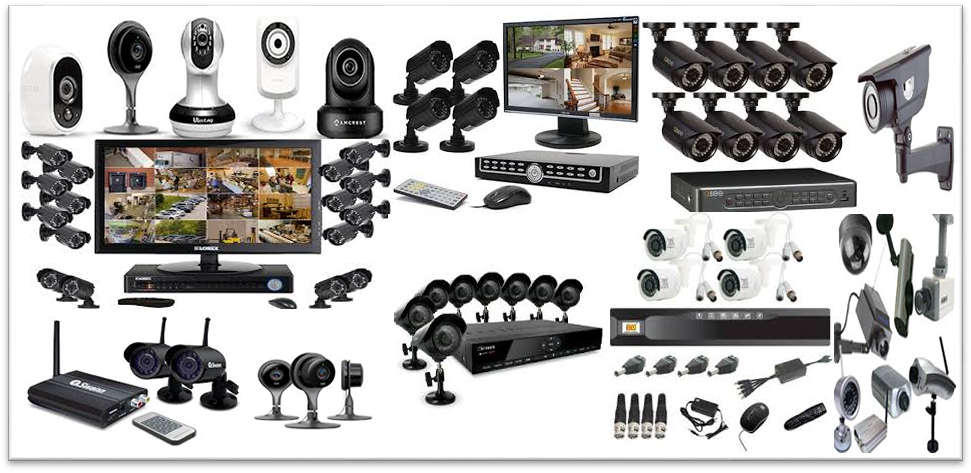
There are many products available on market, even online, to set up CCTV system for monitoring your kids or home. While I had to opt for a product suitable for my home, I did read a lot on internet for these products.
In between I got to know about some easy method to quickly setup a CCTV with almost no cost and no time.
It requires only following things at max.
- An old smartphone with camera
- Internet
- A streaming app
- A power source and a stand
Here I will explain and guide you to set up your own CCTV system for monitoring your home with above minimum things.
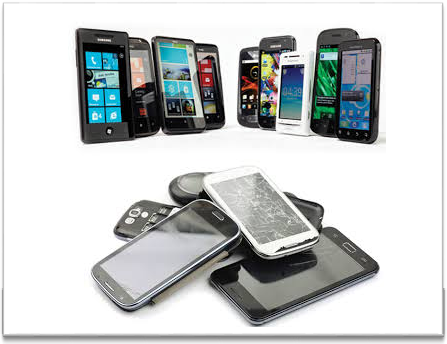
Boom in electronic market is such that today there are tons of companies offering smartphones with great feature every week or months with continuously dropping prices. We keep buying the smartphones to keep ourselves upgraded with latest features of smartphones. By this we end up having at least one or two old smartphone somewhere in drawer at cupboard at home.
Just take out one such old smartphone which you have stopped using and have abandoned, or just take from your family and friend who have just changed their smartphone making older phone orphan.
We do not need high end smartphone with 6GB RAM or 64GB ROM, or 5.5’’ display. What we need is just a working smartphone with min 1GB RAM, Healthy battery and working camera (front or rear or both if available)
You need an internet connection for this smartphone, which you have selected for converting into CCTV camera.
Nowadays internet has become cheapest of all in market after hurricane called “JIO”
In this rain of free data offers, it’s easy to have internet at home now. Options with you are as below:
- Have less used Sim card and insert it into your to be CCTV smartphone and recharge with only Data pack (you need 1GB data plan per month only, for normal day to day monitoring)
- Or nowadays Wi-Fi devices are available with cheap plans. Just setup one such Wi-Fi hotspot at home, or even you might already be having.
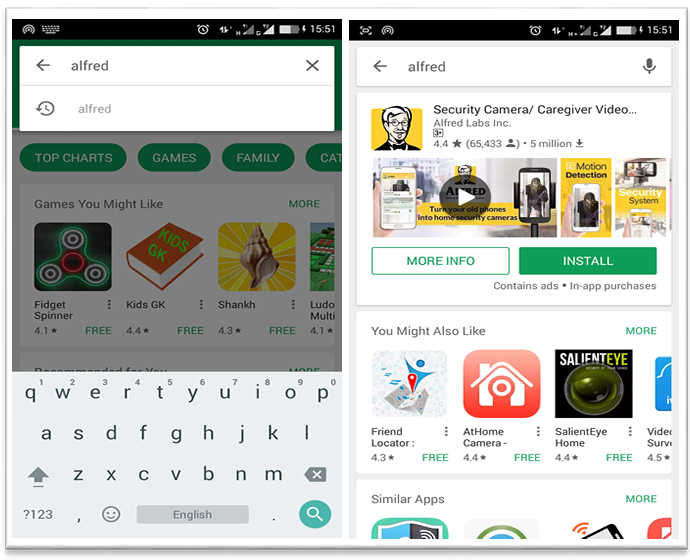
While I was researching about good CCTV camera available in market, I came to know that there are many apps which can convert your smartphone into a homemade CCTV camera. I tried many apps before finalizing on one app named “ALFRED CAMERA”
This is a free app available on Google play store.
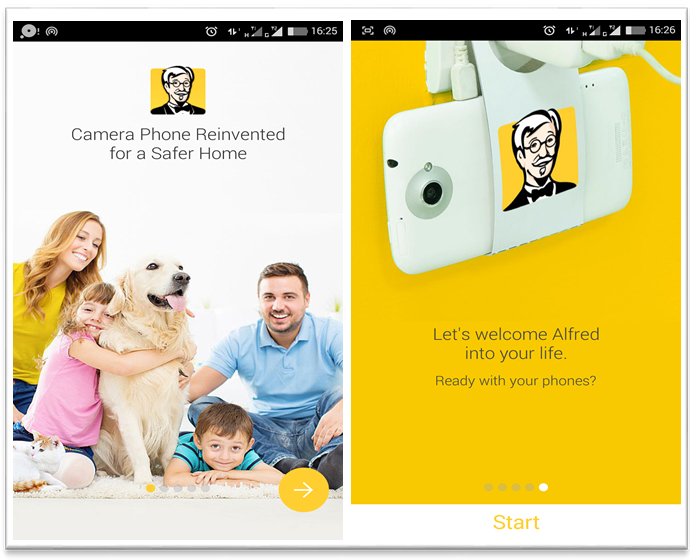
Just download the app on the old smartphone for free and install. Setup of app is too easy in 3-4 steps.
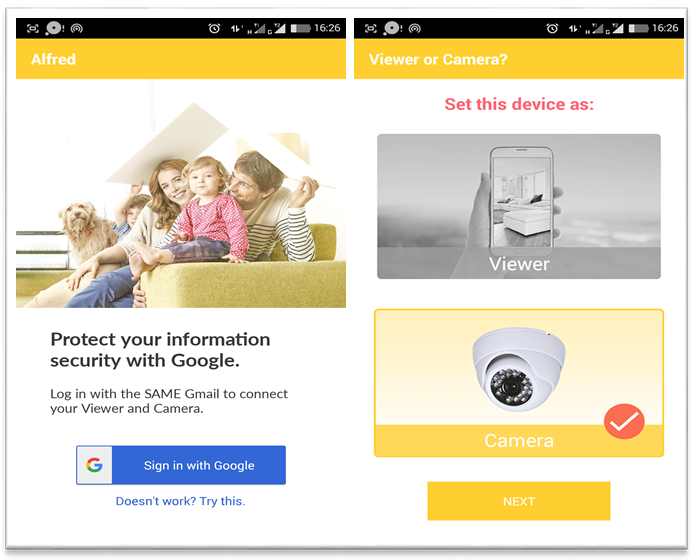
Installation of Alfred app in your old smarphone
Just login with your play store email ID and set this phone as CAMERA. You have now just set up your old smartphone into brand new home made CCTV camera.
-
As you have just got your newly made CCTV camera, next step is to install it somewhere as per your need. Just find a place at corner of the room such that required area is covered by camera of phone. You need to only ensure that Power socket is available nearby.
-
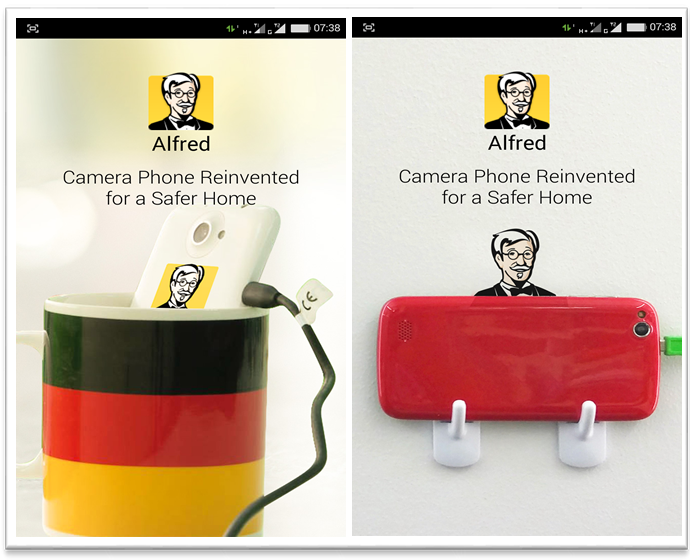
For fixing the phone, there are many methods available. I did it by hanging on Hooks, easily available in D-marts or any hardware stores.
Fixing up your CCTV camera
Now its time to test your CCTV camera.
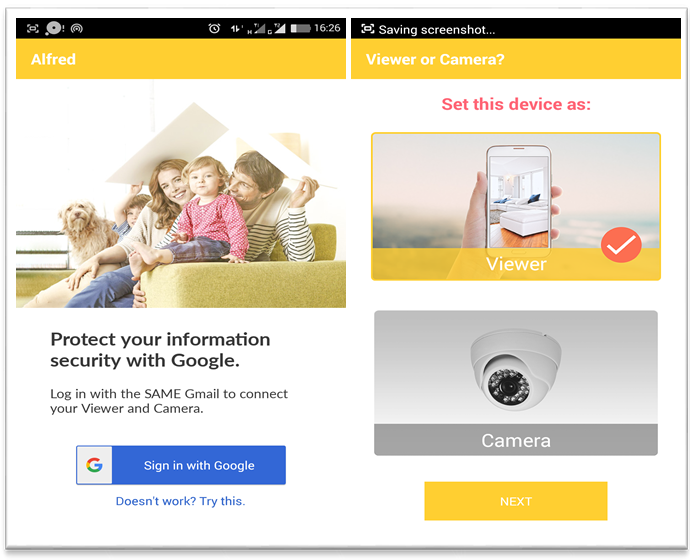
Install same ALFRED app in your own phone (one which you are using). Set this device as “VIEWER”, login with same email id which you did for setting up CCTV camera on old phone.
Installing in your Smartphone
Ta-Da, you have set up the CCTV now.
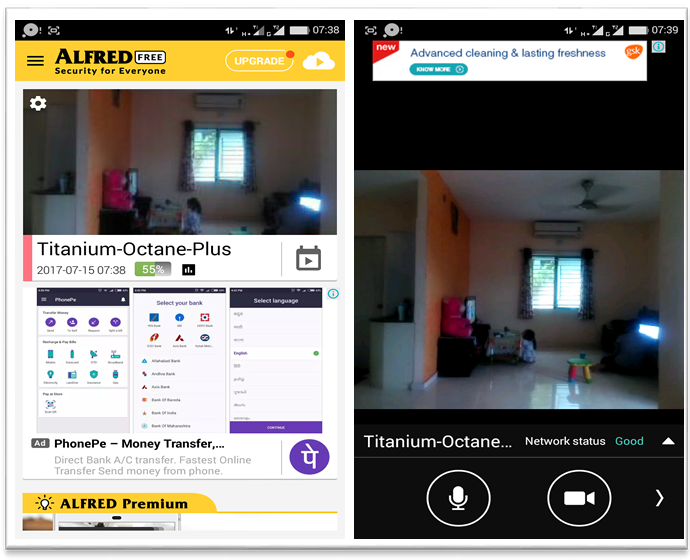
Open up the app in your own smartphone. The home screen will show connected cameras as shwon in below picture.
You can connect more than one cameras in your smartphone/phones.
Features:
- It supports lived feed of video along with Audio.
- You can change the view from landscape mode to portrait mode.
- If you have fixed your camera such that both front and rear camera can be used, you can switch between these two camera, giving you 360 deg View
- You can use it to speak to person at HOME
- You can even do video call
- If you want to get notification for any movement, you can set ON the motion detection of CCTV camera too
- Battery health is also monitored
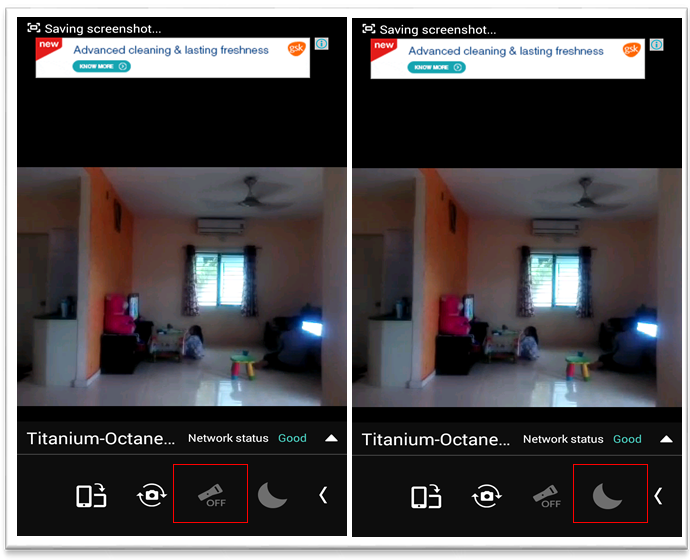
- In night, you can turn on LED flash of CAMERA device to see whats happening at your home
- You can even use Night vision mode also
Hope you liked above article. So what you are waiting for, just get your own home made CCTV camera now, as I did it for me.
Thank You for reading.
---Samarpan
Share your feedback.